Authentication parameters
In a standard OIDC sign-in flow, client applications initiate an authentication request that redirects the user to the Logto hosted universal sign-in experience web page. Based on your sign-in experience settings, users can sign in or sign up using various identifiers, verification methods and third-party social or enterprise SSO connectors.
Logto also supports optional standard OIDC parameters such as:
login_hint: Provide a hint for the user identifier, e.g., prefill email/usernameui_locales: Control the runtime language for the current interaction, including sign-in UI and related emails.
In addition to the standard OIDC authentication parameters, our product introduces several custom authentication parameters that allow you to tailor the desired sign-in experience for the end-users.
This is particularly useful when you want to enforce specific sign-in flows for different user segments. Including but not limited to the following scenarios:
Direct sign-up for new users
For a targeted registration campaign, you may want to direct new users straight to the sign-up page, bypassing the default sign-in form, to ensure a seamless onboarding experience.
Use: First screen parameter → first_screen=register
Email prefilled sign-up from homepage
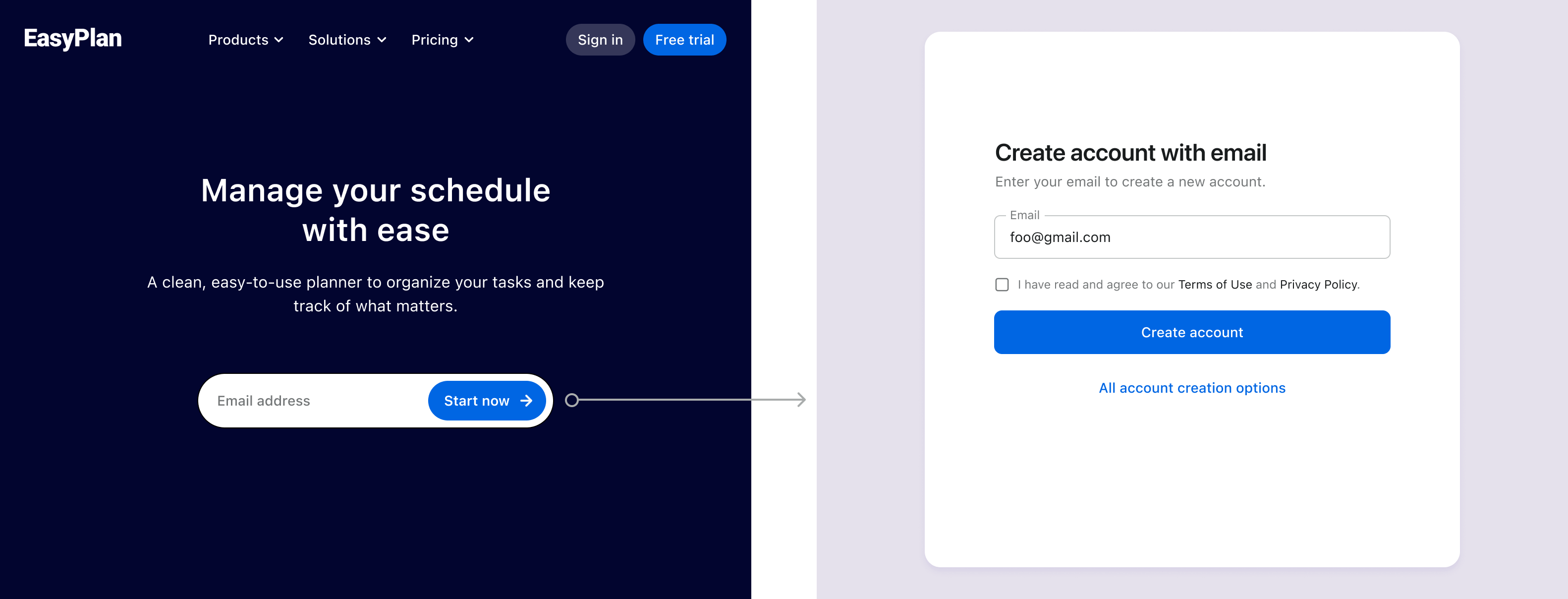
You often see an email sign-up input field prominently displayed on the homepage hero section, encouraging quick user registration. After users enter their email and click the "Start now" button, these parameters allow you to redirect them to the sign-up page with the email field pre-populated, streamlining the registration process.
This approach is also useful for subscription forms or other email collection scenarios where you want to reduce friction in the sign-up flow.
Use: First screen parameter → first_screen=identifier:sign_up&identifier=email&login_hint=foo@gmail.com
Direct password reset link
For new users who need to set up their new password, send them a direct link and redirect them to the password reset page with the email field prefilled.
Use: First screen parameter → first_screen=reset_password
Instant social login
If you provide social media sign-in buttons directly on your site, you can use these parameters to skip the default sign-in form and let users authenticate directly with their chosen social provider.
Use: Direct sign-in parameter → direct_sign_in=social:google
Direct SSO sign-in for enterprise customers
For products serving multiple enterprise clients, these parameters allow you to display a dedicated SSO button that signs in users with their specific SSO provider, skipping the universal sign-in form and providing a seamless experience for each organization.
Use: Direct sign-in parameter → direct_sign_in=sso:1234567890
Embedded sign-up form on website or in a dialog
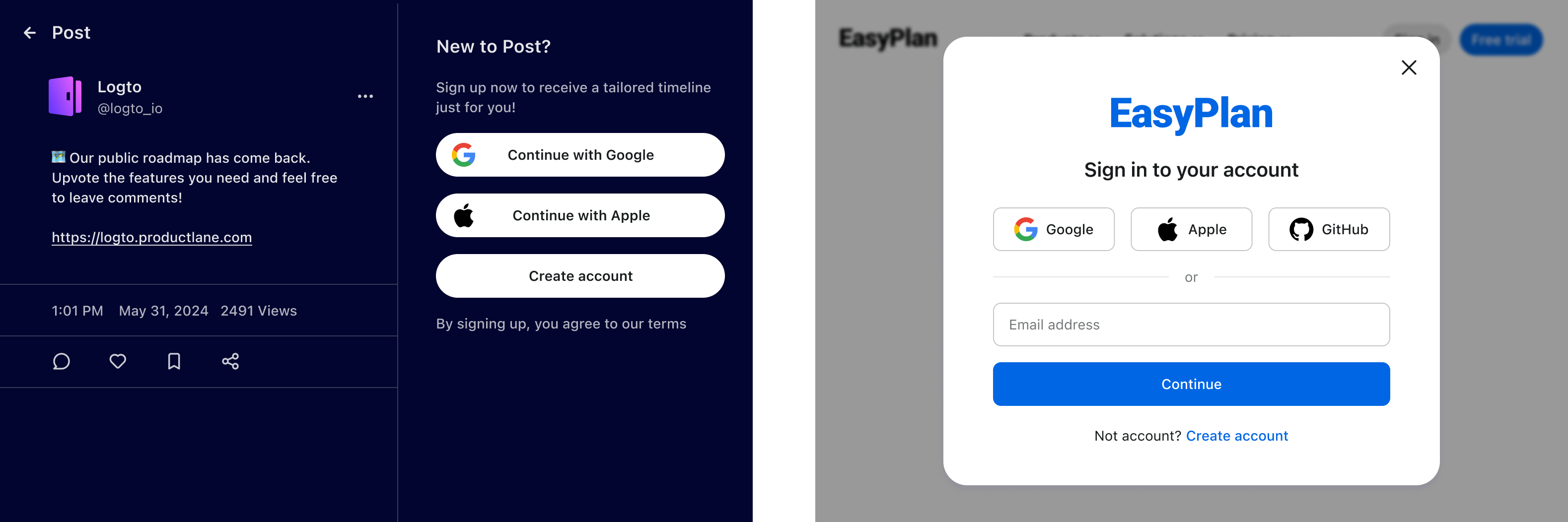
For a seamless user experience, you can embed a complete authentication form directly on your website or in a modal dialog, naturally guiding users to sign up or sign in at the right moment.
- When users click on a social sign-in button (e.g., "Continue with Google"), use the direct sign-in parameter to immediately redirect them to the social provider.
- When users enter their email and click the sign-up button, use the first screen parameter to redirect them to the sign-up page with the email pre-populated.
By combining the authentication parameters mentioned above, you can maintain your website's context and branding while leveraging Logto's secure authentication infrastructure, creating a smooth and professional user experience.
Custom sign-in methods displayed for different sites
If your product serves both internal teams and consumers, or different organizations, you can tailor the sign-in experience accordingly. For example:
- For internal tools, show only email/username and password sign-in.
- For consumer-facing pages, offer all available sign-in options, including Google login.
Use: Different first screen or direct sign-in settings based on website type.
Continue reading to learn more about the authentication parameters to customize the first screen or enable a direct sign-in experience for your users.
Related resources
Embed login or registration forms securely on your site
Little tricks to improve your customer onboarding experience